Before you start
- A niche or product category.
- A target country or market.
- A target retail price range.
- A minimum margin rule.
- A place to record keep, reject, and watch decisions.
Tutorial
This tutorial solves one task: take one niche idea and build a product shortlist that is ready for manual validation.
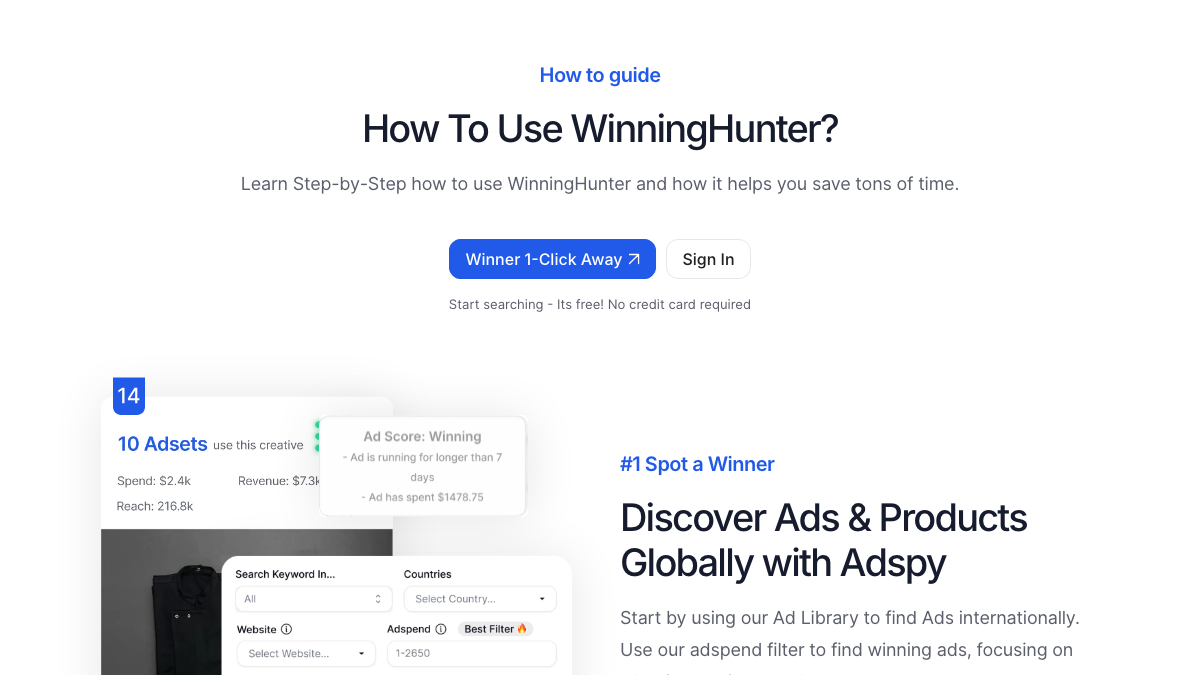
Quick Answer
Difficulty: beginner to intermediate. Time required: about 30 minutes for the first pass if you already have a niche and market in mind.
| Step | Action | Quality check |
|---|---|---|
| 1. Write the search brief | Define niche, country, price range, and rejection rules. | The brief should be narrow enough to reject off-topic products. |
| 2. Build the first list | Use Winning Hunter to find products, ads, and stores that match the brief. | Keep only products with more than one supporting signal. |
| 3. Open competitor context | Review stores, ad angles, bundles, and positioning. | Write why each competitor may be selling, not just that they exist. |
| 4. Manually verify demand | Check social activity, store freshness, margin, and saturation outside the tool. | Reject products that only looked good inside one interface. |
| 5. Choose the next action | Mark products as keep, reject, or watch. | Only the keep list should move into ad testing or supplier research. |
Keep your search brief beside you, open Winning Hunter, and work through one candidate at a time. Record missing evidence rather than treating an incomplete result as a recommendation.
A large signal is not enough. Check whether the product is still active and profitable.
A product can be popular and still fail after shipping, returns, and ad costs.
Competitor positioning often explains why a product sells better than the raw product idea does.
A finished shortlist should explain why each product is worth testing, which signals support it, what could invalidate it, and what the next manual check is.
If this tutorial becomes a weekly workflow, use the pricing guide before upgrading.
Use the workflow page to make this tutorial repeatable.
WorkflowUse the dropshipping workflow if your task is product validation for a dropshipping store.
Dropshipping use caseUse the focused tutorial when one Shopify store is the main research target.
Competitor store tutorialUse a focused method to turn examples into one original hook, proof idea, and measurable test.
Ad creative tutorialUse pricing if account limits block your searches or tracking.
PricingUse alternatives if this tutorial mostly becomes a different job.
AlternativesYou need a product niche, target country, price range, competitor examples, and access to Winning Hunter or the official signup flow.
The first run should take about 30 minutes. Repeated runs become faster after you save your filters and validation checklist.
The most common mistake is treating a high-signal product as proven without checking current ads, store quality, margin, and saturation manually.
You need enough access to run the searches and checks described. If your account limits block the steps, use the pricing page before upgrading.
Move the shortlist into the workflow page, compare pricing if you will repeat the process, and use alternatives if the task is better served by another tool.
Decision
Use the tutorial for one product idea, then move to the full workflow if the process needs to repeat. Do not treat a single dashboard signal as a launch decision.